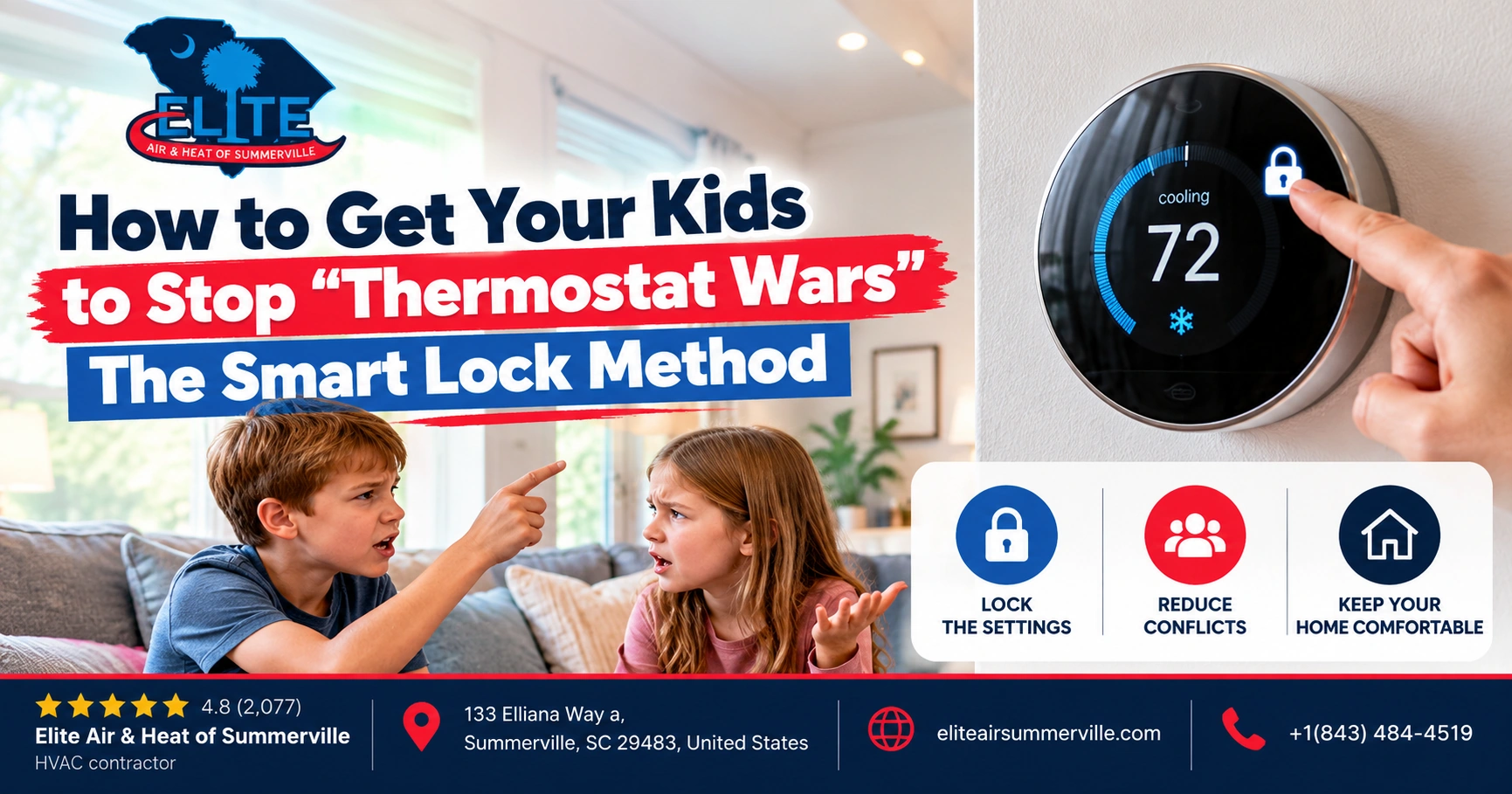

You set the thermostat to 74°F.
An hour later, somebody walks by and changes it to 68°F.
Then another person gets cold and moves it to 77°F.
By dinner, nobody remembers what the original setting was.
Welcome to the thermostat wars.
In a Summerville home, this can become more than a family annoyance. During a long, humid cooling season, constantly changing temperature settings can make it harder to understand whether the HVAC system is actually comfortable, whether one room has an airflow problem, and why the AC seems to run all afternoon.
Fortunately, you do not necessarily need to put a plastic lockbox over the thermostat.
Here’s the plain answer.
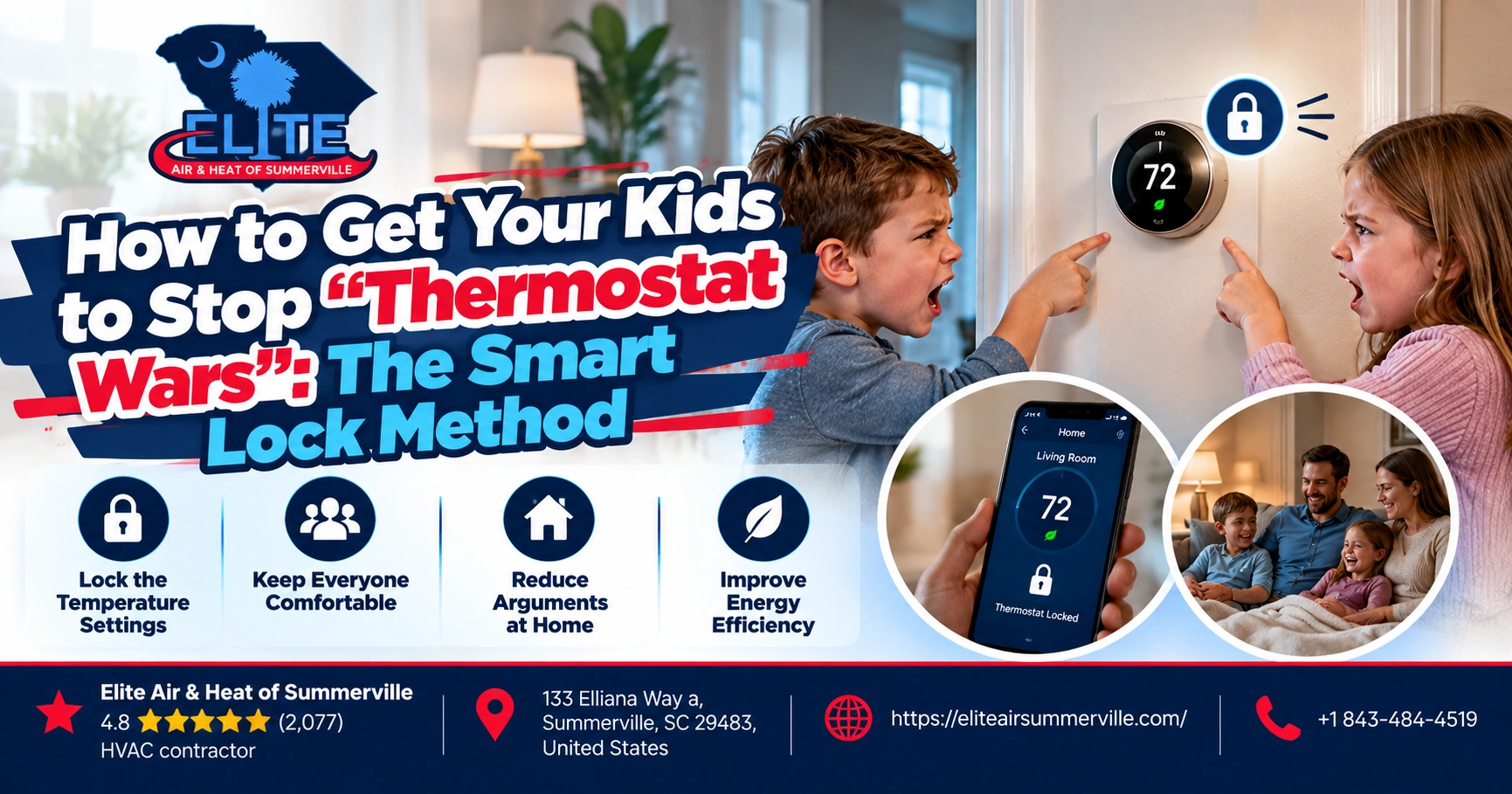
A good smart thermostat can let you establish a reasonable temperature range, restrict changes at the wall, and keep control of important HVAC settings in the hands of the adults managing the system.
The best version of this is not:
“Nobody touches the thermostat.”
It is:
“You can adjust it within a reasonable comfort range, but you cannot set the AC to 64°F, switch operating modes, or completely rewrite the schedule.”
We call that the Smart Lock Method.
Stop the Thermostat Battles!
Keep your kids from changing the temperature. Get expert smart thermostat setup today!
What Is the Smart Lock Method?
The idea is simple.
Instead of arguing over one exact thermostat setting, establish a family comfort range.
For example:
Cooling allowed between 72°F and 76°F.
The exact range is up to your family. Some households may prefer 73°F to 77°F. Others may want something different.
Then use the thermostat’s access controls so people can make small comfort adjustments without completely changing how the HVAC system operates.
That gives everyone some control.
But it prevents situations such as:
- Someone setting the AC to 62°F
- A child changing COOL to HEAT
- Somebody turning the system completely off
- The programmed schedule being erased
- Fan settings being changed accidentally
- Heat-pump controls being altered
- One person’s temporary adjustment becoming the new permanent setting
That is much more useful than simply hiding the thermostat PIN from everybody.
Why Not Just Tell Everyone to Leave the Thermostat Alone?
You can.
Families have been doing that for decades.
But there is a reason the thermostat keeps getting changed.
Somebody is uncomfortable.
Maybe your teenager likes the bedroom colder.
Maybe the upstairs is genuinely warmer.
Maybe someone just came inside after soccer practice.
Maybe a bedroom gets full afternoon sun.
Maybe the person sitting under the supply register is freezing while another person across the room feels warm.
The thermostat war may actually be telling you something about the house.
That is why our first reaction is not automatically:
“Stop touching it.”
We want to ask:
Why does everybody keep touching it?
Nest Has a Very Useful Version of This Feature
Google Nest offers one of the clearest examples of how the smart-lock idea works.
Compatible Nest Learning Thermostats and the Nest Thermostat E can be locked with a PIN. In cooling or heating mode, the homeowner can establish a temperature range within which people are still allowed to make adjustments.
Outside that range, the thermostat stays restricted.
That is exactly the type of control we like for families.
Instead of telling the kids:
“Never touch the thermostat.”
you can effectively tell the thermostat:
“They can change it, but only this much.”
For example, if the approved cooling range is 72°F to 76°F, somebody who is warm can move it from 75°F to 73°F.
They cannot move it to 65°F.
That small difference can eliminate a surprising amount of thermostat drama.
Don’t Give Everyone Full App Access Either
This is where a thermostat lock can become meaningless.
On Nest, people who have shared access to the home through the Google Home or Nest app may still be able to make changes or unlock the thermostat.
So if the goal is parental control, think about digital access as well as physical access.
Otherwise, you lock the thermostat on the hallway wall and your teenager simply changes it from bed.
The same general principle applies to any connected thermostat:
Decide who actually needs administrator-level control.
Not everybody with a phone necessarily needs the ability to change HVAC settings.
Ecobee Gives You Access Controls Too
Ecobee also supports thermostat access control.
Its current platform allows password protection and can restrict categories including temperature adjustments, system mode, schedules, vacations and other thermostat settings.
That is useful because not all thermostat changes carry the same risk.
You might be perfectly comfortable allowing somebody to change the temperature a couple of degrees.
You may not want them switching the system from cooling to heating, changing the weekly schedule or altering more advanced HVAC settings.
That is the difference between a useful lock and an annoying lock.
What Temperature Range Should You Use?
There is no universal correct number.
Comfort depends on:
- Humidity
- Clothing
- Activity level
- Sun exposure
- Air movement
- Room location
- Personal preference
So we would not tell every Summerville family:
“Lock your thermostat at exactly 74°F.”
Instead, pick a reasonable band everybody can live with.
A summer example might be:
72°F minimum / 76°F maximum
or:
73°F minimum / 77°F maximum
The goal is not to find the lowest possible number.
It is to stop wild swings while still allowing reasonable adjustments.
ENERGY STAR notes that smart thermostats can use schedules, occupancy information and remote control to manage comfort while reducing unnecessary heating and cooling.
A stable schedule usually gives the system a much more predictable job than constant manual changes.
Setting the AC to 65°F Does Not Make It Cool Faster
This may be the single most useful lesson in thermostat diplomacy.
Imagine the house is 77°F.
Someone wants it cooler.
They set the thermostat to 65°F because:
“I want the AC to work harder.”
On most conventional residential systems, that does not make the air conditioner suddenly produce twice as much cooling.
The thermostat is essentially telling the system whether cooling is needed.
Once a conventional single-stage AC is already running, lowering the setpoint farther usually just tells it to keep running longer.
So:
77°F → set to 73°F
and
77°F → set to 65°F
may result in the same equipment running at the same cooling capacity initially.
The 65°F setting simply gives it a much farther destination.
That is worth explaining to teenagers—and adults.
Variable-Speed Systems Are More Complicated
Modern variable-capacity systems can adjust output rather than simply operating full-on or full-off.
Even then, constantly making large manual temperature changes is not necessarily the best way to use the equipment.
These systems are often designed to maintain stable conditions efficiently by making smaller capacity adjustments over longer periods.
A smart thermostat or manufacturer’s communicating controller may be doing more behind the scenes than the homeowner realizes.
That is another reason we like reasonable setpoints and schedules rather than repeatedly demanding huge temperature changes.
In Summerville, Humidity Changes the Thermostat Argument
Here’s where the Lowcountry makes this conversation different.
One person says:
“I’m hot. Turn it down.”
But the actual problem may not be temperature.
It may be humid.
A room at 74°F with well-controlled humidity can feel very comfortable.
That same room at 74°F with high humidity can feel sticky.
So before you conclude that your family simply needs colder air, look at indoor relative humidity.
Many smart thermostats can display humidity along with temperature.
If everybody keeps lowering the thermostat because the house feels clammy, the real question becomes:
Why isn’t the home controlling moisture properly?
That might involve:
- Oversized HVAC equipment
- Short cooling cycles
- Incorrect airflow
- Duct leakage
- Outside-air infiltration
- Equipment setup
- A need for dedicated dehumidification
Turning the thermostat down may cover up the problem without explaining it.
Thermostat Wars Can Reveal a Hot-Room Problem
Suppose the thermostat is downstairs.
Downstairs temperature:
73°F
Your child’s upstairs bedroom:
78°F
They come downstairs every night and turn the thermostat to 68°F.
Now the downstairs gets cold.
The bedroom eventually becomes tolerable.
Everybody argues.
That may not be a behavior problem.
It may be an air-distribution problem.
Possible causes include:
- Poor airflow to the bedroom
- A crushed attic flex duct
- Inadequate return air
- Duct leakage
- High solar gain
- Insulation problems
- Poor system balancing
This is where remote room sensors become extremely useful.
Add a Room Sensor Before Starting Another Argument
ENERGY STAR specifically identifies remote temperature and occupancy sensors as useful smart-thermostat features for homes with temperature differences caused by factors such as insulation and sun exposure.
Put a sensor in the bedroom.
Now you have data.
Instead of:
“Your room isn’t that hot.”
you can see:
Hallway thermostat: 73°F
Bedroom sensor: 78°F
That changes the conversation.
Now we need to understand why.
But a Room Sensor Does Not Create Zoning
This is important.
A room sensor can tell the thermostat:
“The bedroom is still hot.”
It cannot necessarily tell the duct system:
“Send all the air to the bedroom.”
Unless the home has true HVAC zoning, the rest of the house continues receiving conditioned air while the system tries to satisfy that warmer room.
The downstairs may become colder while the upstairs slowly catches up.
So sensors are excellent diagnostic and comfort tools.
They are not automatic cures for bad ductwork.
If the temperature difference is large and consistent, have the airflow problem investigated.
The Smart Lock Method We Would Actually Use
For a typical family, our setup might look something like this.
Step 1: Agree on the normal schedule
Maybe:
Daytime: 75°F
Evening: 73°F
Overnight: 72°F
Those are examples, not universal recommendations.
Choose settings that make sense for your family.
Step 2: Give everyone a small adjustment range
Allow a few degrees of control rather than unlimited control.
For example:
72°F to 76°F during the cooling season.
Someone who is genuinely uncomfortable can still make an adjustment.
Nobody can turn the house into a meat locker.
Step 3: Lock system-level settings
Restrict changes to things such as:
- Heating/cooling mode
- Programming
- Installer settings
- Equipment configuration
There is very little reason for children or guests to be changing those.
Step 4: Use room sensors where complaints occur
If the same bedroom keeps producing thermostat battles, measure the bedroom temperature.
Step 5: Investigate large temperature differences
If the thermostat says 73°F and the bedroom consistently reads 79°F, don’t simply tighten the lock.
Check the HVAC system.
That is the Smart Lock Method.
Control reasonable behavior. Diagnose unreasonable temperature differences.
Don’t Lock the Thermostat So Tightly That Nobody Can Be Comfortable
This is the mistake on the opposite side.
Some homeowners discover the PIN function and turn the thermostat into Fort Knox.
Nobody can adjust anything.
That sounds efficient until somebody is legitimately uncomfortable and cannot do anything about it.
A smart lock should create guardrails, not punishment.
Allowing a two- or three-degree adjustment can make the system much easier for the family to live with.
Nest, for example, specifically allows homeowners to create a restricted temperature range while keeping other thermostat settings locked.
That is usually better than forcing one exact temperature on everyone.

Why Does My House Get Hot at Night? Causes and Smart Solutions
You check the weather app at 9:30 p.m. and it says 72 degrees outside. A breeze is moving through the…
Use Schedules to End the Overnight Argument
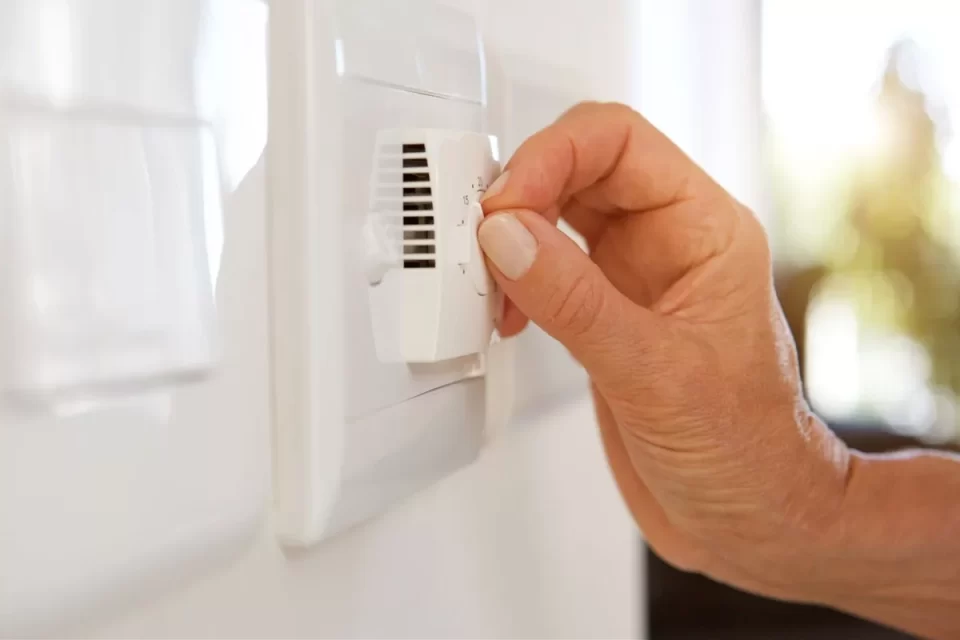
A lot of thermostat wars happen at bedtime.
Parents prefer 75°F.
Kids want 70°F.
Instead of fighting about it every evening, program a schedule.
Maybe the house runs warmer during the afternoon and automatically moves a few degrees cooler around bedtime.
Then it returns to the daytime setting in the morning.
Smart thermostats are particularly good at this type of routine. ENERGY STAR lists automatic scheduling, learning preferences and remote temperature management among common smart-thermostat features.
Automation removes the negotiation.
Nobody has to remember to turn it back up.
Be Careful With “Hold Forever”
This is another common thermostat-war casualty.
Someone changes the setting and accidentally creates a permanent hold.
The carefully programmed schedule disappears.
Three days later, the AC is still trying to maintain the temperature somebody selected after coming home from soccer practice.
When configuring your smart thermostat, decide what temporary adjustments should do.
Depending on the thermostat, a manual change may last:
- Until the next scheduled period
- For a selected number of hours
- Until you manually cancel it
For family use, until the next scheduled event is often the least dramatic option.
Someone gets temporary comfort.
The house eventually returns to normal automatically.
Don’t Let Kids Change the Fan Setting to ON
This one sounds harmless.
The thermostat shows:
AUTO / ON
Somebody wants more air movement, so they choose ON.
Now the indoor blower runs continuously.
There are circumstances where continuous fan operation is useful.
But in a humid cooling climate, we do not automatically recommend it.
Moisture remaining on the evaporator coil after a cooling cycle may be reintroduced into the airflow while the blower keeps running, depending on the system and setup.
If somebody simply wants more air movement in the bedroom, a ceiling fan may be the better tool.
Leave HVAC fan strategy to the way the system was designed and configured unless there is a reason to change it.
Heat-Pump Homes Have One More Setting Kids Shouldn’t Touch
Emergency Heat.
If you have a heat pump, the thermostat may show an Emergency Heat setting.
That is not:
“Make my room warm faster.”
It is intended for situations where the primary heat-pump heating system cannot operate properly and backup heating needs to be used.
Google’s current Nest documentation specifically notes that Emergency Heat is available on compatible heat-pump systems and says regularly needing it to maintain comfort may indicate that the HVAC system needs professional service.
That is exactly the type of equipment setting we would keep behind the thermostat lock.
Temperature adjustment?
Fine.
Changing heat-pump operating strategy?
No.
Safety Temperatures Are Different From Comfort Temperatures
Some smart thermostats also have safety limits.
Nest, for example, supports Safety Temperatures that can turn heating or cooling on if the house reaches a homeowner-defined extreme threshold, even under certain circumstances when the normal system setting is Off.
Those are not everyday thermostat-war settings.
They are house-protection settings.
Keep them under administrator control.
This is another advantage of a smart thermostat with meaningful access control: casual users can adjust comfort without modifying important system protections.
What If One Child Really Does Need a Colder Bedroom?
Then solve that room.
Do not automatically overcool 2,500 square feet because one 150-square-foot bedroom is uncomfortable.
Start by checking:
- Supply airflow
- Return-air path
- Register position
- Duct condition
- Window exposure
- Blinds or shades
- Ceiling fan
- Attic insulation above the room
- Door position
If the bedroom is consistently different from the rest of the house, something may be causing that difference.
A good technician should be able to investigate it.
Maybe the answer is simple.
Maybe the room needs more airflow.
Maybe the sun is doing most of the damage.
Maybe the duct system needs balancing.
The goal is to fix the uncomfortable room rather than freeze everybody else.
Does Changing the Thermostat Constantly Hurt the AC?
Normal thermostat adjustments do not automatically damage an HVAC system.
The thermostat is designed to control the equipment.
So we would not tell homeowners:
“Your kids are destroying the compressor by touching the thermostat.”
That is too dramatic.
The bigger problems are usually:
- Unnecessary runtime
- Poor comfort
- Destroyed schedules
- Confusing system operation
- Difficulty evaluating actual HVAC performance
Extreme or inappropriate settings can also create issues when people start changing system modes, fan operation or heat-pump settings they do not understand.
That is what the lock is meant to prevent.
Will a Smart Thermostat Save Enough Money to End the Argument?
Maybe not the argument.
But it can improve control.
ENERGY STAR-certified smart thermostats are independently certified using field data to demonstrate energy savings, and their biggest advantage is often reducing unnecessary heating and cooling automatically when the home is unoccupied or when schedules change.
We would not buy one expecting a magical drop in the Dominion Energy bill.
We would buy it because it gives you:
schedule + remote control + access control + sensors + better information.
The savings are an additional benefit.
Which Thermostat Is Best for the Smart Lock Method?
If thermostat access control is a major priority:
Nest
Nest has one of the easiest homeowner-friendly approaches.
You can set a PIN and establish an allowed temperature range while restricting broader changes at the thermostat.
Ecobee
Ecobee is very strong if you want more granular control over what is protected. Its current access-control system can password-protect temperature changes as well as categories such as system mode and schedules.
Honeywell Home / Resideo
Honeywell Home and Resideo offer several thermostat families with different locking and installer-control capabilities, so the exact options depend on the model.
For any thermostat, confirm the specific access-control features before buying it solely for this purpose.
And remember that smart-thermostat compatibility with the HVAC system matters more than the lock feature. ENERGY STAR recommends verifying that the thermostat is suitable for the heating and cooling equipment before purchasing it.
Our Favorite “Thermostat War” Setup for a Summerville Home
For a typical family with central air or a heat pump, we would aim for:
A programmed daily schedule
plus
a reasonable manual adjustment range
plus
restricted system/settings access
plus
remote sensors in rooms with legitimate comfort complaints.
Then leave it alone long enough to learn something.
If the system holds the house comfortably?
Great.
If one bedroom repeatedly runs five degrees warmer?
Now investigate that room.
If everyone complains that the entire house feels sticky despite reasonable temperatures?
Check humidity.
If the AC cannot maintain the normal range?
Check system performance.
The thermostat should help diagnose comfort.
It should not become the entire comfort strategy.
The Bottom Line
How do you stop thermostat wars?
You do not necessarily need to ban everyone from touching the thermostat.
Give them guardrails.
Set a normal schedule.
Establish a reasonable temperature range.
Use PIN or access controls to prevent extreme settings and changes to important HVAC configuration.
Use room sensors when somebody keeps saying:
“But my room really is hotter.”
Then see whether they are right.
Nest currently allows homeowners to lock compatible thermostats to a specific temperature range, while ecobee provides access-control options that can restrict temperature, mode, schedule and other thermostat functions.
That technology is useful.
But if you only remember one thing, remember this:
Sometimes the person changing the thermostat isn’t the problem. The hot bedroom is.
A smart lock can stop somebody from setting the AC to 64°F.
It cannot repair a crushed attic duct, improve a bad return path or fix a room receiving half the airflow it needs.
If thermostat battles in your Summerville home always seem to involve the same room, Elite Air & Heat of Summerville can check the temperature difference, airflow, ductwork and humidity to determine whether you need better controls or whether the thermostat has been getting blamed for an HVAC problem somewhere else.
The goal is not to win control of the thermostat.
The goal is for everybody to stop needing to fight over it.
Tired of Thermostat Wars at Home?
Take control of your home's comfort with a smart thermostat lock. Call today for professional installation!