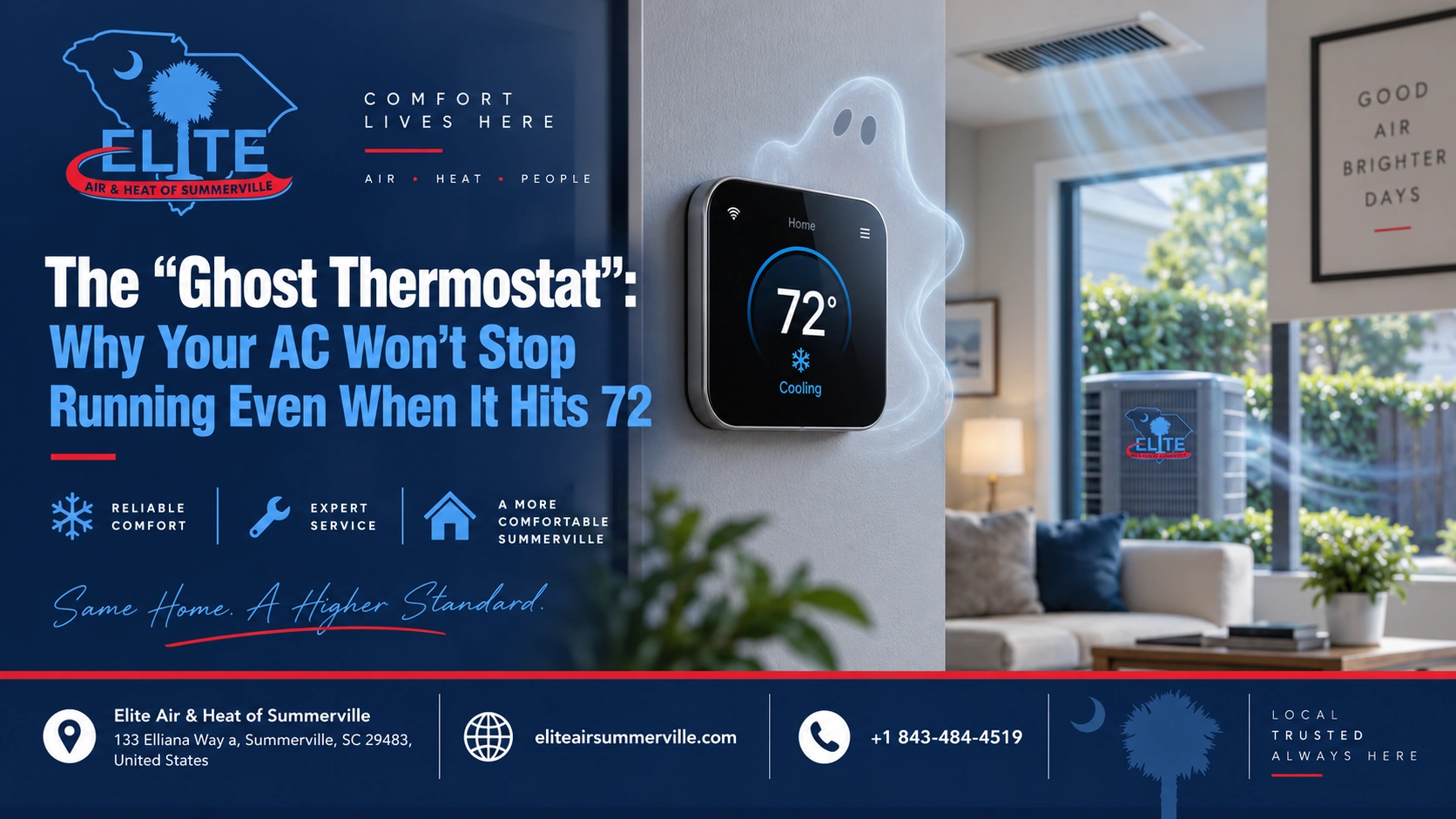

Your thermostat says 72.
The house feels cool.
But the AC keeps running.
That is the kind of problem that makes homeowners wonder if the thermostat is lying, the system is confused, or the AC is about to fail.
Here’s the plain answer: if your AC keeps running after the thermostat reaches the set temperature, the issue may be with thermostat settings, fan settings, humidity control, thermostat placement, wiring, system controls, or an HVAC problem that is preventing the system from shutting down correctly.
Sometimes it is simple.
Sometimes it is a warning sign.
The key is figuring out whether the whole AC system is still cooling or whether only the indoor fan is running.
That difference matters.
First: Is the AC Running or Just the Fan?
This is the first thing to check.
When homeowners say, “My AC won’t stop running,” they may mean one of two things:
| What Is Running? | What It Usually Means |
| Indoor fan only | Fan setting, thermostat setup, air circulation mode, control issue |
| Outdoor unit and indoor fan | System is still actively cooling or not shutting off properly |
Go outside and listen to the outdoor unit.
If the outdoor unit is off but air is still blowing from the vents, your indoor blower fan may be running by itself.
If the outdoor unit is still running, the system is still in cooling mode.
Those are different problems.
Check the Fan Setting First
This is the easiest one.
Look at your thermostat and check whether the fan is set to ON or AUTO.
If the fan is set to ON, the indoor blower can run continuously, even when the AC is not actively cooling.
That may make it seem like the AC never shuts off.
For most homeowners, AUTO is the normal setting. In AUTO, the fan runs only when the system is heating or cooling.
Fan ON is not always wrong. Some people use it for air circulation or filtration. But in a humid climate, running the fan all the time can sometimes make the house feel more humid because moisture left on the indoor coil can be blown back into the air.
In Summerville, where humidity is part of the comfort problem, that matters.
Smart Thermostats Can Run the Fan on Purpose
Some smart thermostats have settings that run the fan for a certain number of minutes each hour.
This may be called:
- Fan circulation
- Air circulation
- Minimum fan runtime
- Fan schedule
- Airwave
- Comfort circulation
The thermostat may be doing exactly what it was programmed to do.
That does not mean the compressor is running. It may just be moving air around the house.
If the home feels comfortable and the outdoor unit is off, check the thermostat app or settings before assuming the AC is broken.
The Thermostat May Be Reading 72, But Still Calling for Cooling
Thermostats do not always shut off the exact second they hit the displayed number.
Some thermostats use a temperature range called a differential or swing.
For example, if the thermostat is set to 72, it may cool until the room drops slightly below 72, then wait until the room rises slightly above 72 before starting again.
That is normal.
But if the thermostat says 72 and the outdoor unit runs for a long time without stopping, something else may be happening.
Humidity Control May Be Extending Runtime
Many modern thermostats and variable-speed systems do more than chase temperature.
They also try to control humidity.
In a Lowcountry home, that can be a good thing.
If the house is 72 degrees but still feels sticky, the system may keep running at a lower speed to remove more moisture from the air. Some thermostats even allow “overcooling” by a degree or two to help reduce humidity.
That may make the AC seem like it is ignoring the set temperature.
In reality, it may be prioritizing humidity control.
This is not always a problem. But it should be set up correctly. If the humidity target is too aggressive, the system may run longer than needed.
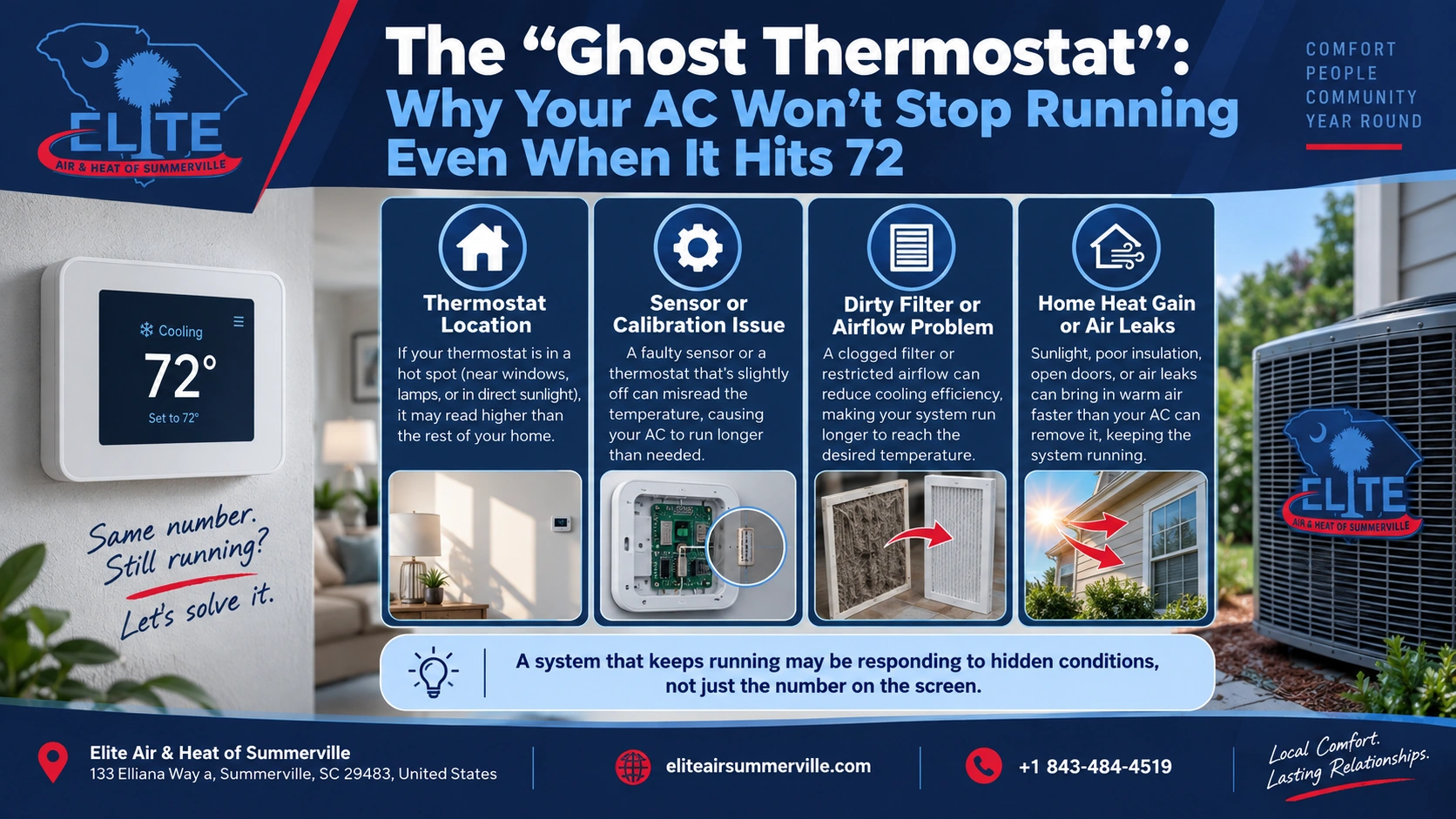
Thermostat Location Can Trick the System
A thermostat only knows the temperature where it is installed.
If the thermostat is in a poor location, it may not represent the rest of the house.
Bad thermostat locations include:
- Near a sunny window
- Close to a supply vent
- In a hallway with poor airflow
- Near a kitchen
- On an exterior wall
- Near electronics or lamps
- In a room that heats up faster than the rest of the home
- Too close to a return grille
If the thermostat area warms up quickly, the AC may keep running even though other rooms already feel cool.
If the thermostat is being hit by cold supply air, it may shut off too soon.
Either way, comfort gets uneven.
A good technician should look at thermostat placement before blaming the whole system.
A Stuck Relay or Control Problem Can Keep the System Running
Sometimes the thermostat is not the real problem.
The thermostat may stop calling for cooling, but a relay, control board, contactor, or wiring issue may keep part of the system running.
Possible control issues include:
- Stuck outdoor contactor
- Faulty thermostat relay
- Shorted thermostat wire
- Control board problem
- Miswired thermostat
- Fan relay stuck closed
- Incorrect thermostat setup
- Communication issue on a variable-speed system
This is where homeowners should not DIY.
Low-voltage thermostat wiring may look simple, but the equipment itself also involves high voltage. A stuck contactor or control issue should be tested by a professional.
The AC May Be Running Because It Cannot Catch Up
There is also a different possibility:
The system may be running constantly because it is barely reaching 72 and cannot stay there.
That can happen when the AC is struggling.
Common causes include:
- Dirty air filter
- Dirty outdoor coil
- Low refrigerant
- Refrigerant leak
- Weak capacitor
- Blower problem
- Poor airflow
- Undersized ductwork
- Leaky ducts
- Poor insulation
- Attic heat gain
- System undersized for the home
- System aging and losing performance
In this case, the thermostat may eventually show 72, but the system has to work constantly to hold it.
That is different from a thermostat glitch.
Bigger Is Not Always the Fix
When an AC runs too much, homeowners sometimes assume they need a bigger system.
That might be true in some cases.
But it is not the first assumption.
In a humid climate, an oversized AC can create another problem: short cycling. It may cool the house quickly, shut off too soon, and fail to remove enough humidity.
That can leave the home cool but sticky.
The goal is not to buy the biggest AC.
The goal is to figure out whether the problem is controls, airflow, humidity, ductwork, refrigerant, sizing, or thermostat setup.
What Homeowners Can Safely Check
Before calling for service, you can check a few things safely:
- Make sure the thermostat fan is set to AUTO
- Check for fan circulation settings in the thermostat app
- Confirm the outdoor unit is actually running
- Replace or inspect the air filter
- Make sure supply and return vents are open
- Check whether the thermostat is in direct sunlight
- Look for ice on refrigerant lines
- Note whether the house feels humid or just cool
- Check whether the system shuts off if you raise the set temperature several degrees
If you raise the thermostat from 72 to 78 and the outdoor unit still keeps running, that points more toward a control issue.
If the outdoor unit shuts off but the indoor fan keeps blowing, start with fan settings or fan control.
When Not to DIY
Do not open the outdoor unit, air handler, electrical panel, or control board area.
Do not pull thermostat wires and start guessing.
Do not keep resetting breakers.
Do not bypass safety switches.
Do not ignore ice on the system.
If the outdoor unit keeps running when the thermostat is not calling for cooling, turn the system off at the thermostat. If it still runs, use the breaker or disconnect and call for service. That can indicate a stuck electrical component.
What a Good Technician Should Inspect
A good technician should not just replace the thermostat without checking the system.
They should inspect:
- Thermostat settings
- Fan mode and circulation settings
- Cooling call from the thermostat
- Low-voltage wiring
- Outdoor contactor
- Indoor fan relay
- Control board
- Airflow
- Filter condition
- Refrigerant performance
- Coil condition
- Temperature split
- Static pressure if airflow is suspected
- Humidity settings
- Thermostat location
A good technician should be able to explain whether the thermostat is causing the issue or simply showing a symptom.
How Much Could This Cost to Fix?
The cost depends on what is actually wrong.
| Possible Issue | Typical Cost Range |
| Thermostat setting adjustment | Often no repair needed |
| Basic diagnostic visit | $100–$250+ |
| Thermostat replacement | $200–$600+ |
| Contactor replacement | $200–$500+ |
| Fan relay or control repair | $250–$700+ |
| Control board replacement | $500–$1,200+ |
| Airflow correction | Varies widely |
| Refrigerant issue or leak repair | $300–$3,500+ depending on cause |
These are planning ranges, not a quote.
The important part is diagnosis. A thermostat problem and a refrigerant problem can both make the system seem like it is running too much, but they are very different repairs.
The Bottom Line
If your AC keeps running even after the thermostat hits 72, do not assume the thermostat is haunted.
Start with the simple checks:
Is the fan set to ON?
Is a smart thermostat running circulation mode?
Is the outdoor unit still running?
Is the home cool but humid?
Is the system struggling to hold temperature?
If you only remember one thing, remember this:
A thermostat reading 72 does not always mean the AC should instantly stop. But if the outdoor unit keeps running after the thermostat is satisfied, or the system runs constantly to hold temperature, it needs a proper diagnosis.
Elite Air & Heat of Summerville can check the thermostat, controls, airflow, humidity settings, and system performance so you know whether this is a simple setting issue or a sign of a larger HVAC problem.